
Powerful PDF Tools. Completely Free.
Your Everyday PDF Tools, All in One Place.
Create, convert, organize and manage your documents with free online PDF tools and our free Android app.
No account required for online tools. Free on the web and free on Android.
A product of Ventrova Labs
Popular free PDF tools
Start with the tools people use most
Merge files, create PDFs from images, protect documents, run OCR, and more. Every tool below is free to use in your browser.
All tool categories
Convert, organize, secure, scan, and extract text. The same free catalog across the website and the Android app.
Convert
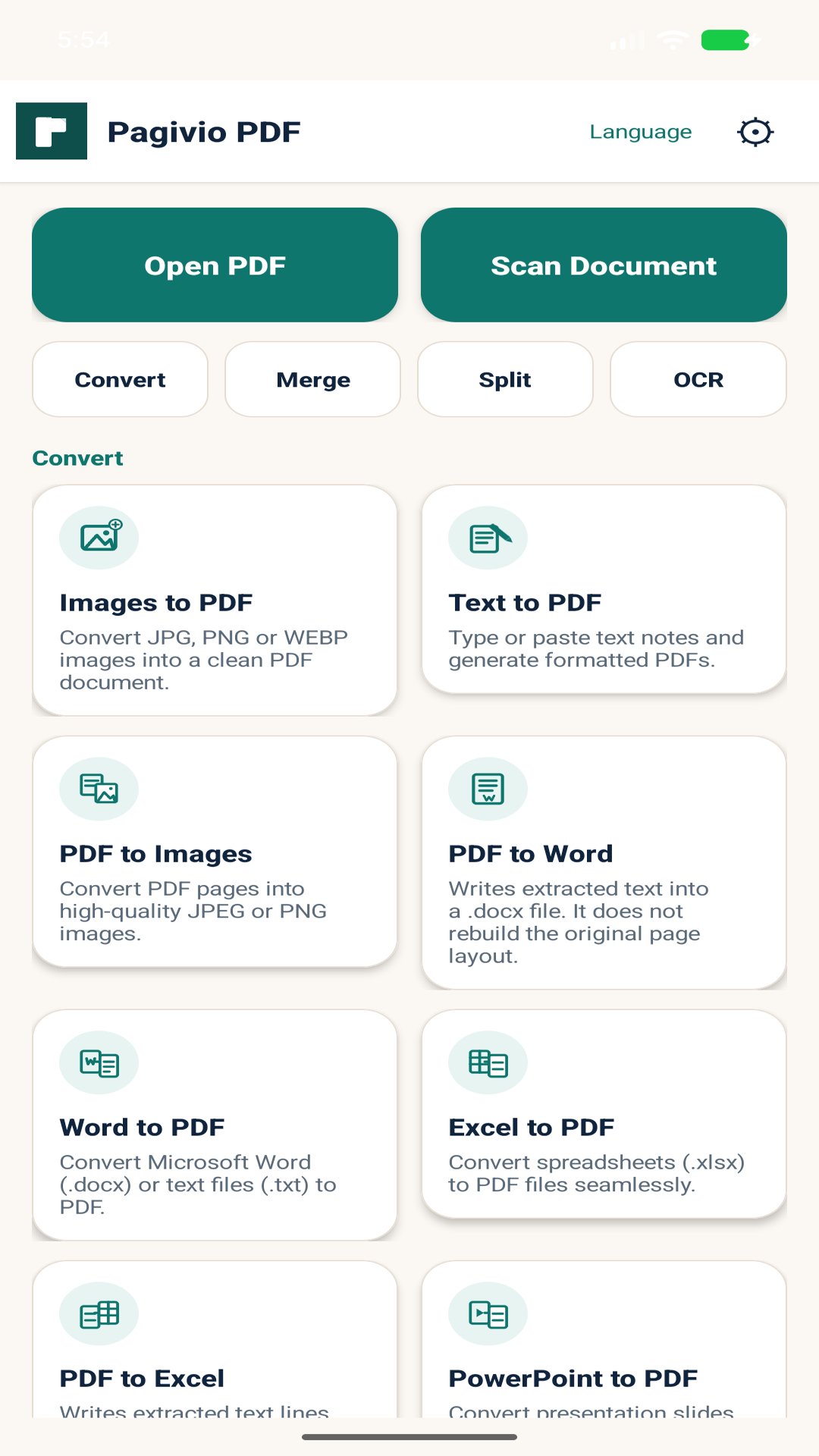
Images to PDF
Convert JPG, PNG or WEBP images into a clean PDF document.
Open free toolText to PDF
Type or paste text notes and generate formatted PDFs.
Open free toolPDF to Images
Convert PDF pages into high-quality JPEG or PNG images.
Open free toolPDF to Word
Extract PDF text into an editable Word (.docx) file.
Open free toolWord to PDF
Convert Microsoft Word (.docx) or text files (.txt) to PDF.
Open free toolExcel to PDF
Convert spreadsheets (.xlsx) into PDF documents.
Open free toolPDF to Excel
Turn PDF text into a spreadsheet you can open in Excel.
Open free toolPowerPoint to PDF
Convert presentation slides (.pptx) to standard PDF format.
Open free toolPDF to PowerPoint
Turn each PDF page into a PowerPoint slide for quick presentations.
Open free toolOrganize
Merge PDF
Combine multiple PDF documents into a single, organized file.
Open free toolSplit PDF
Extract specific pages or split a PDF into separate files.
Open free toolRotate PDF
Rotate individual or all pages of your PDF document.
Open free toolAdd Watermark
Apply text watermark with custom angle, size, and opacity.
Open free toolEdit PDF
Modify text, add images, append pages, and reorder PDF content.
Open free toolRead/View PDF
Open and read PDF files page-by-page locally.
Open free toolSecurity
Free online PDF tools
Work in your browser, no signup needed
Open a tool, choose your files, and download the result. Processing stays in your browser by default, so you can get work done without creating an account.
Free Android app
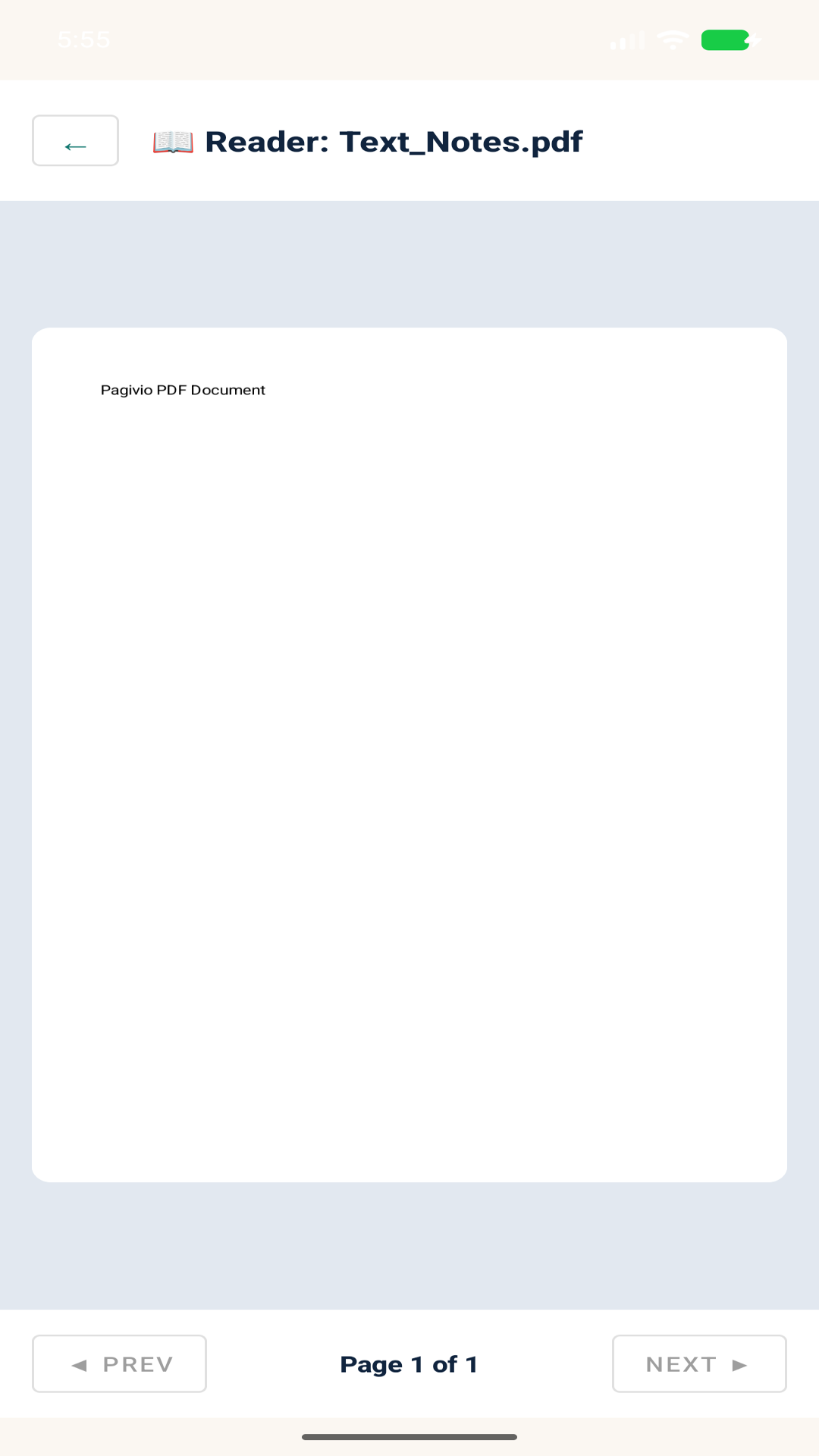
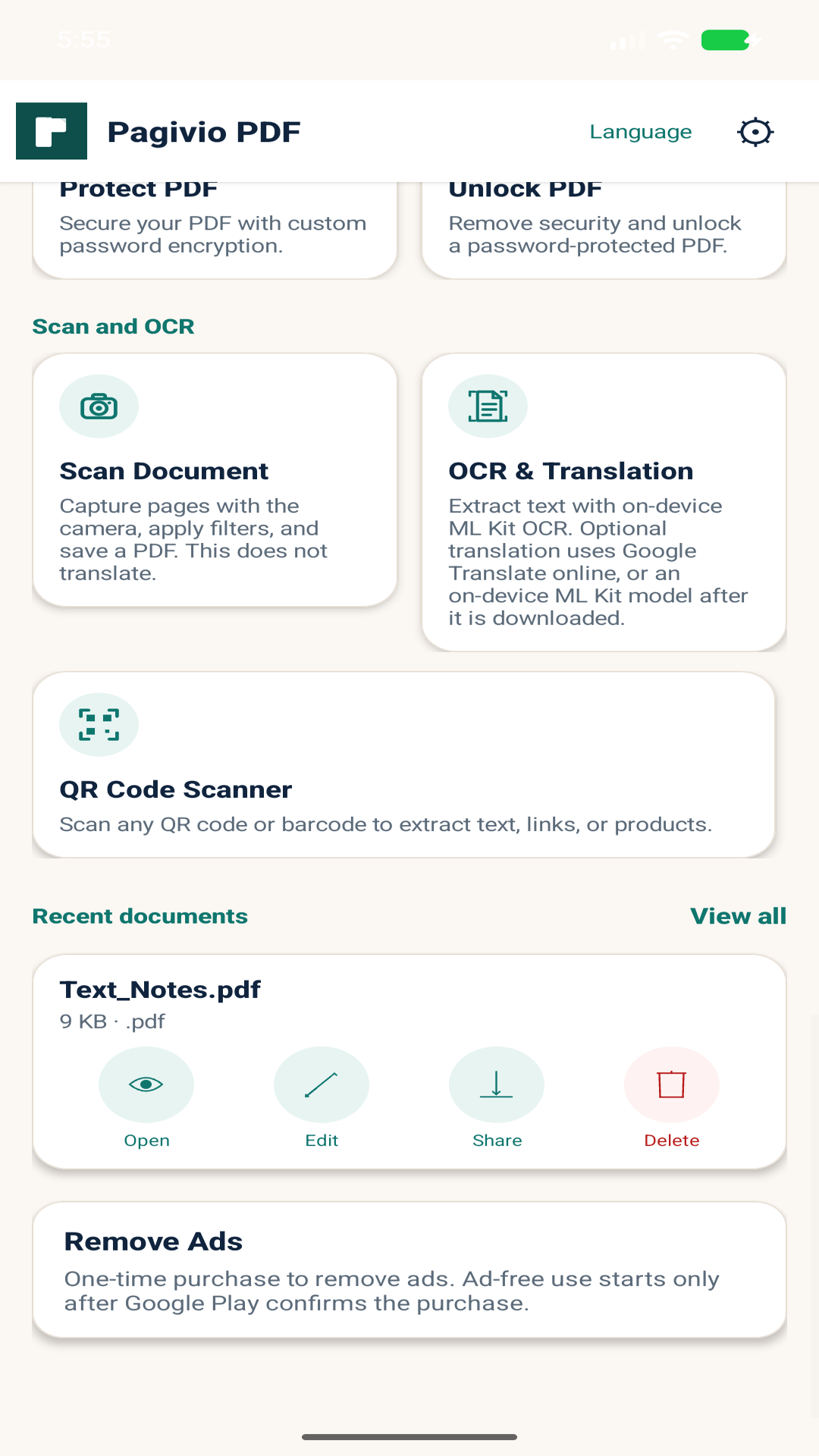
Carry the same toolkit on your phone
Download the free Pagivio Android app for on-device PDF work wherever you are. Built by Ventrova Labs for everyday document tasks.
- Free to download and use
- Local processing on your device
- Aligned with the free tools on this website
Privacy-minded document processing
Clear processing practices so you know where your files stay while you work.
Local-first workflows
Android tools process PDFs on your device. Browser tools process files in your browser by default.
No PDF uploads to Pagivio servers
Documented product flows do not send your PDFs to Pagivio servers for conversion or editing.
Transparent OCR networking
OCR can run on-device or in the browser. Optional translation uses the network only when a translation service is configured.
Frequently asked questions
Quick answers about free access, file processing, and how common conversions work.
Is Pagivio PDF free?
Yes. The Pagivio Android app is free, and the online PDF tools on this website are free to use. You can start working right away without a paid plan.
Do I need an account to use the online tools?
No. You can use the free online PDF tools in your browser without mandatory registration.
What is Pagivio PDF?
Pagivio PDF is a document toolkit from Ventrova Labs. It helps you create, convert, organize, secure, scan and read PDFs on Android and in your browser.
Where are my files processed?
On Android, PDF tools run on your device. Online tools process files in your browser by default. Pagivio does not upload your PDFs to its servers as part of these documented workflows.
Free PDF Tools for Everyone
Powerful PDF Tools. Completely Free.
Everything you need to create, convert and manage PDFs. Use our free online tools or download the free Pagivio Android app.